Your room.
A whole new feeling.
See your room in a new style before you redecorate. Upload a photo and explore design ideas with AI.
Basic is $19/month and includes 500 AI renders.
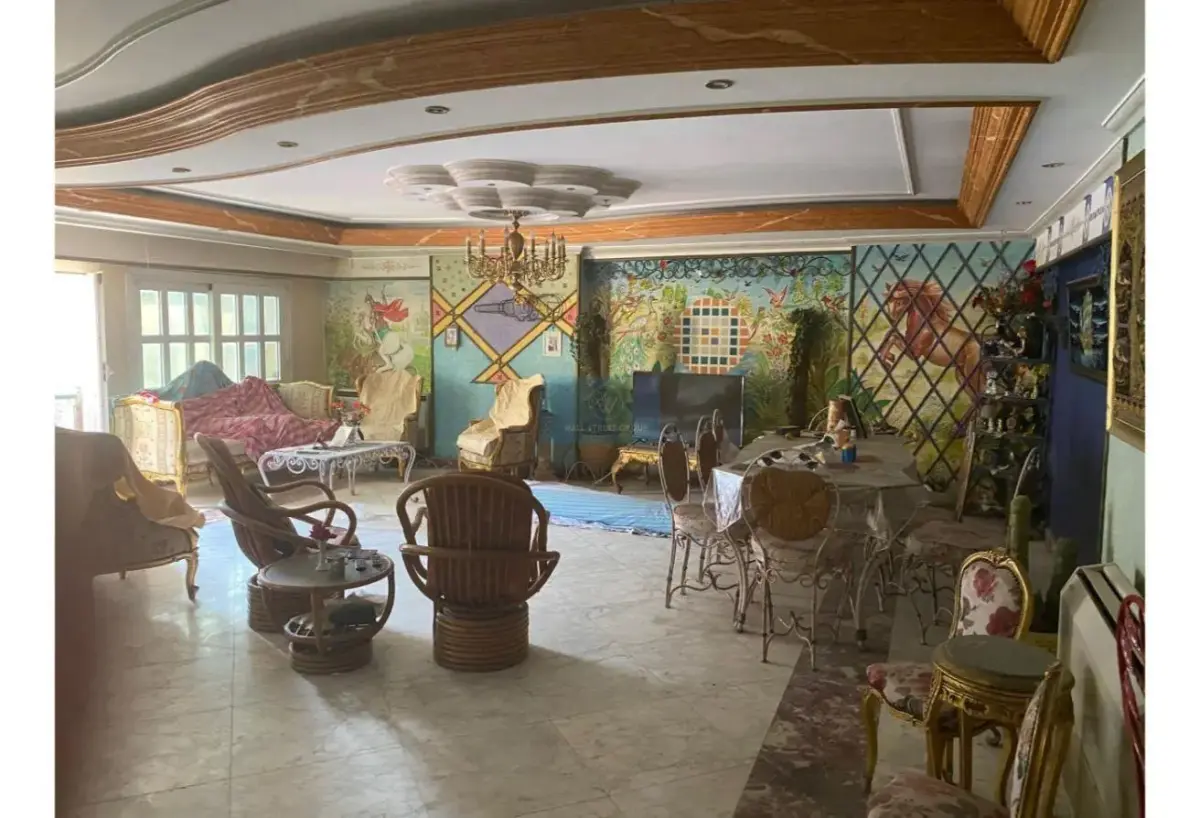
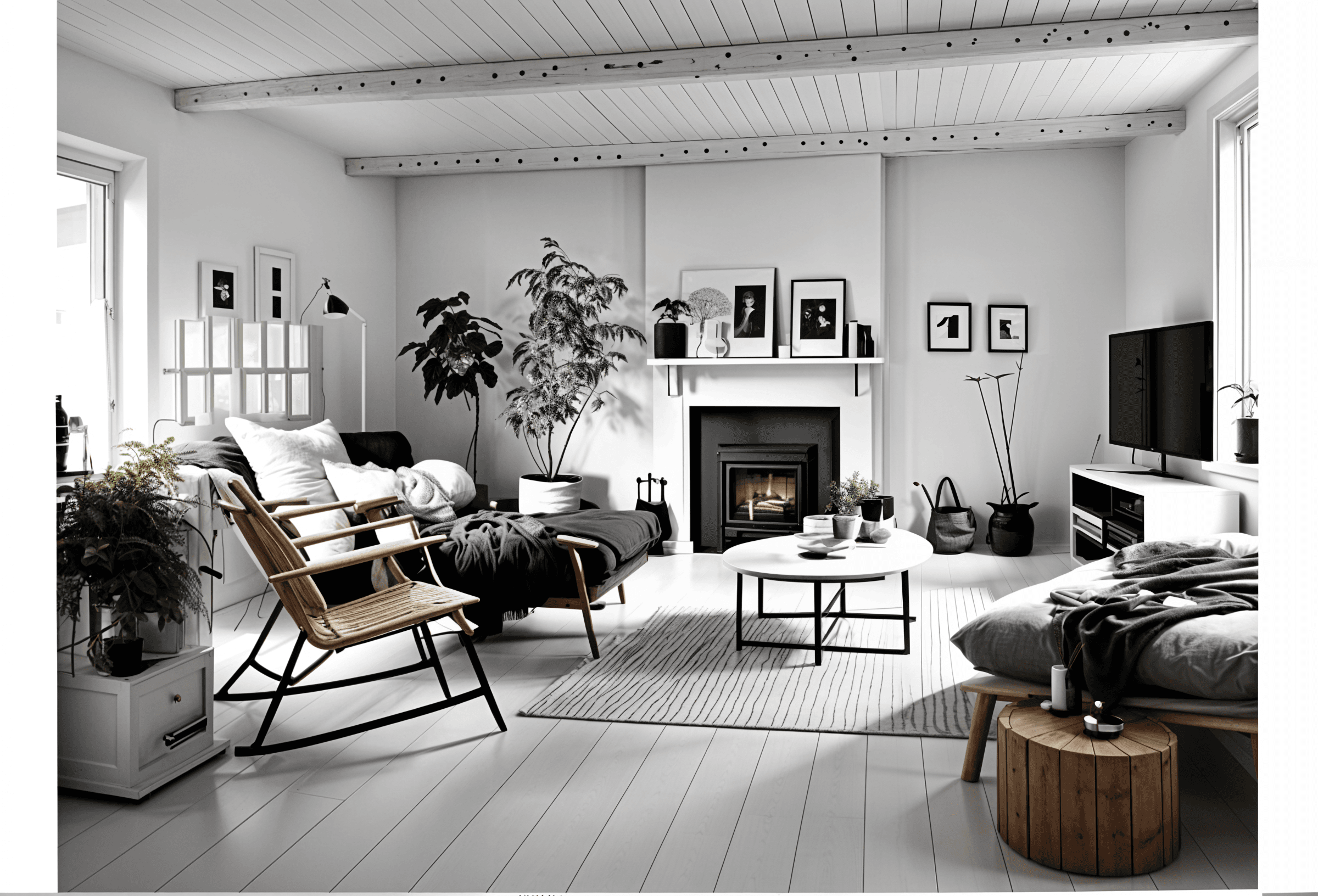
A fresh perspective in three steps.
Start with your space
Sign in and upload a clear room photo. A well-lit phone photo is a good starting point.
Choose a direction
Explore a style you love, from warm minimalism to a more layered, colorful look.
 Scandinavian
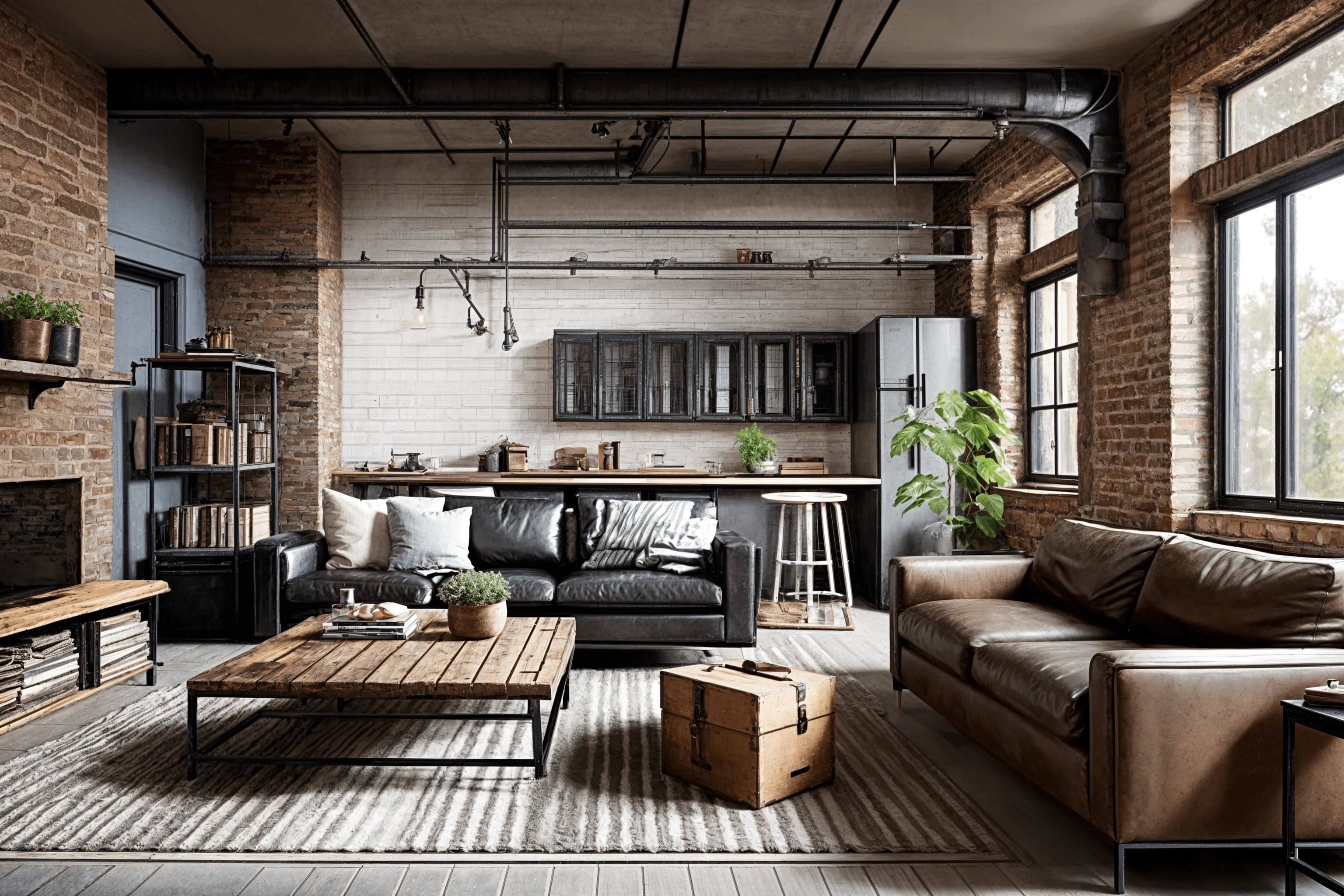 Industrial
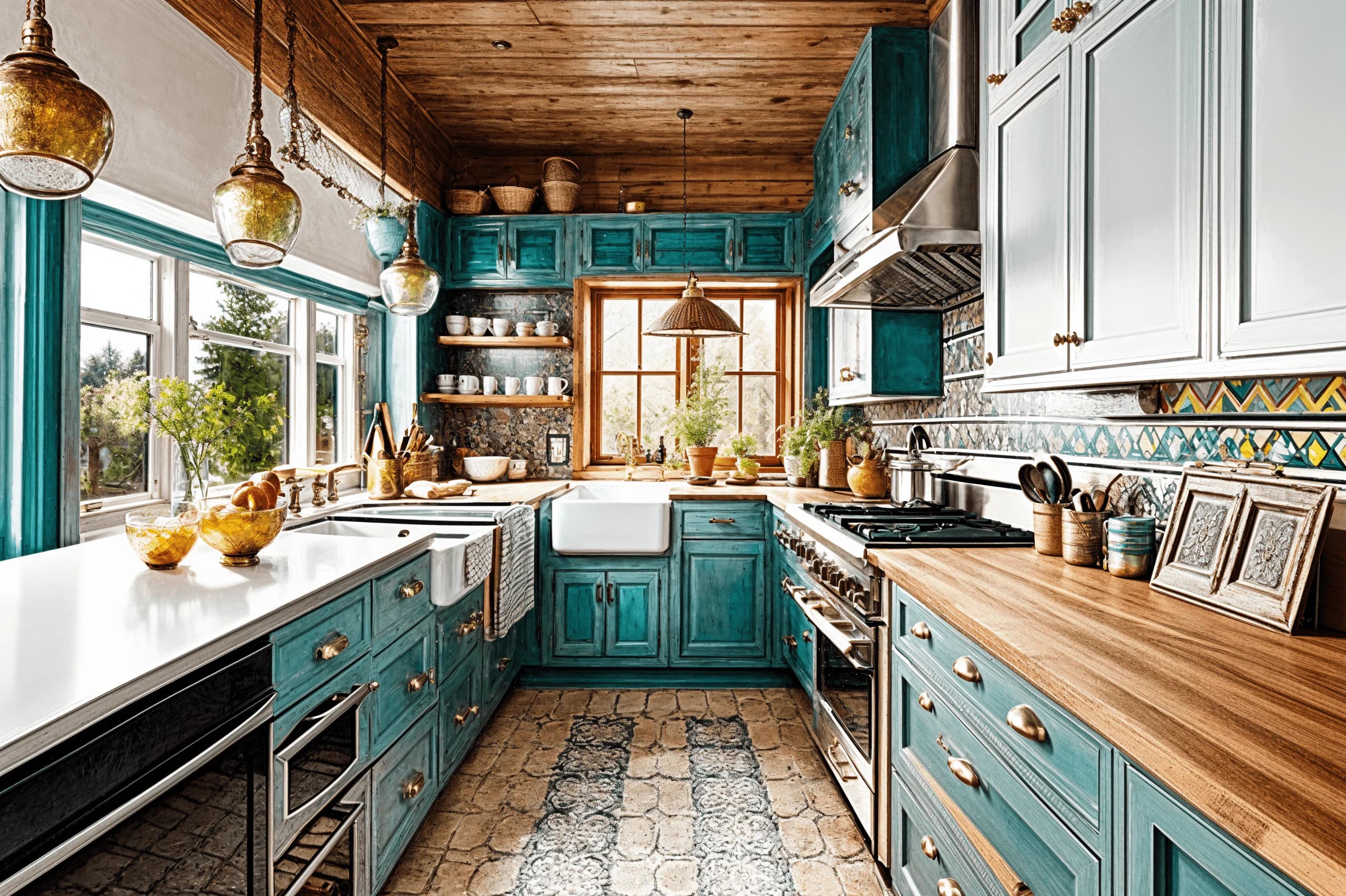 Bohemian
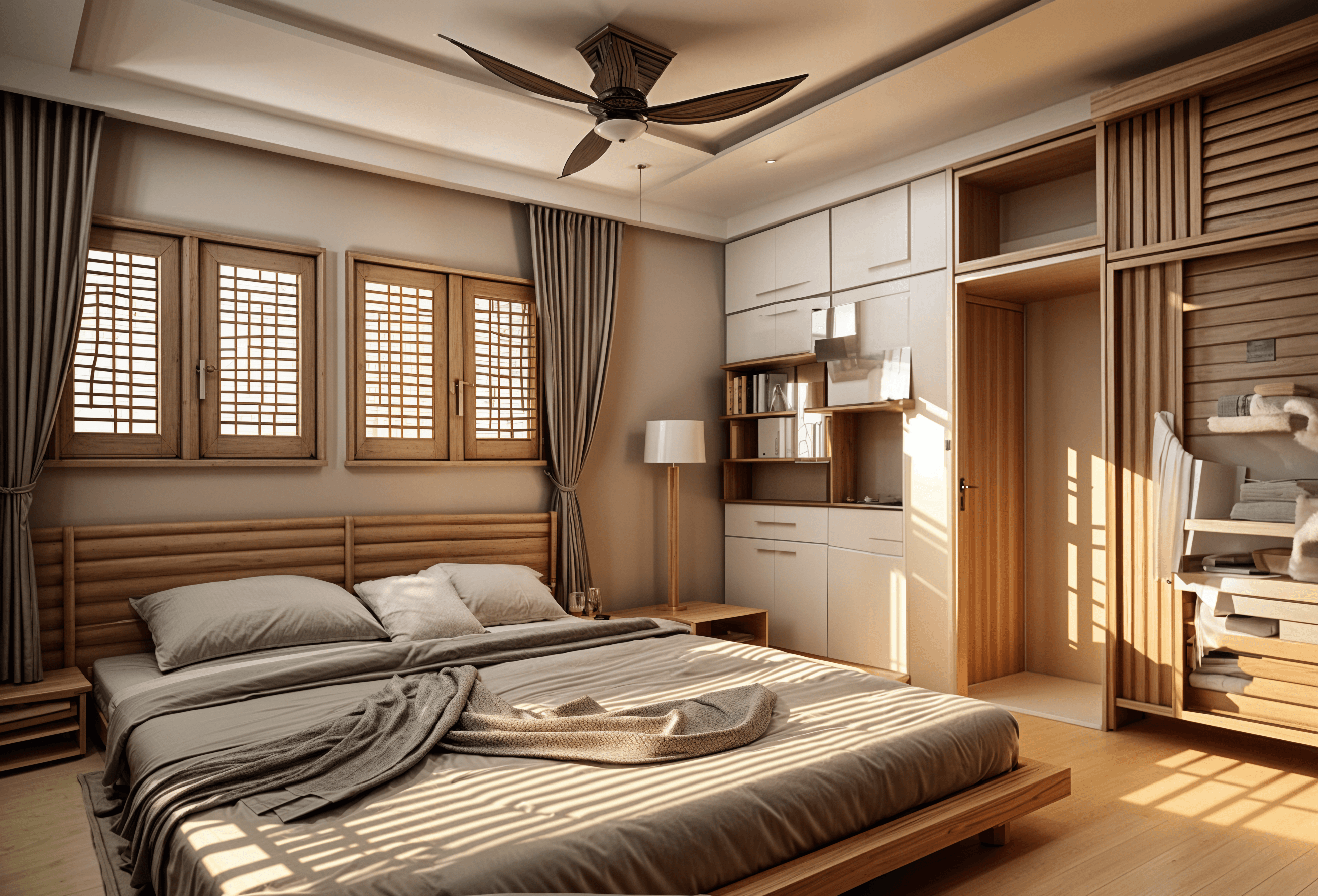 Japandi
See the possibilities
Use the generated image to compare ideas. Check measurements with our free planning tools.
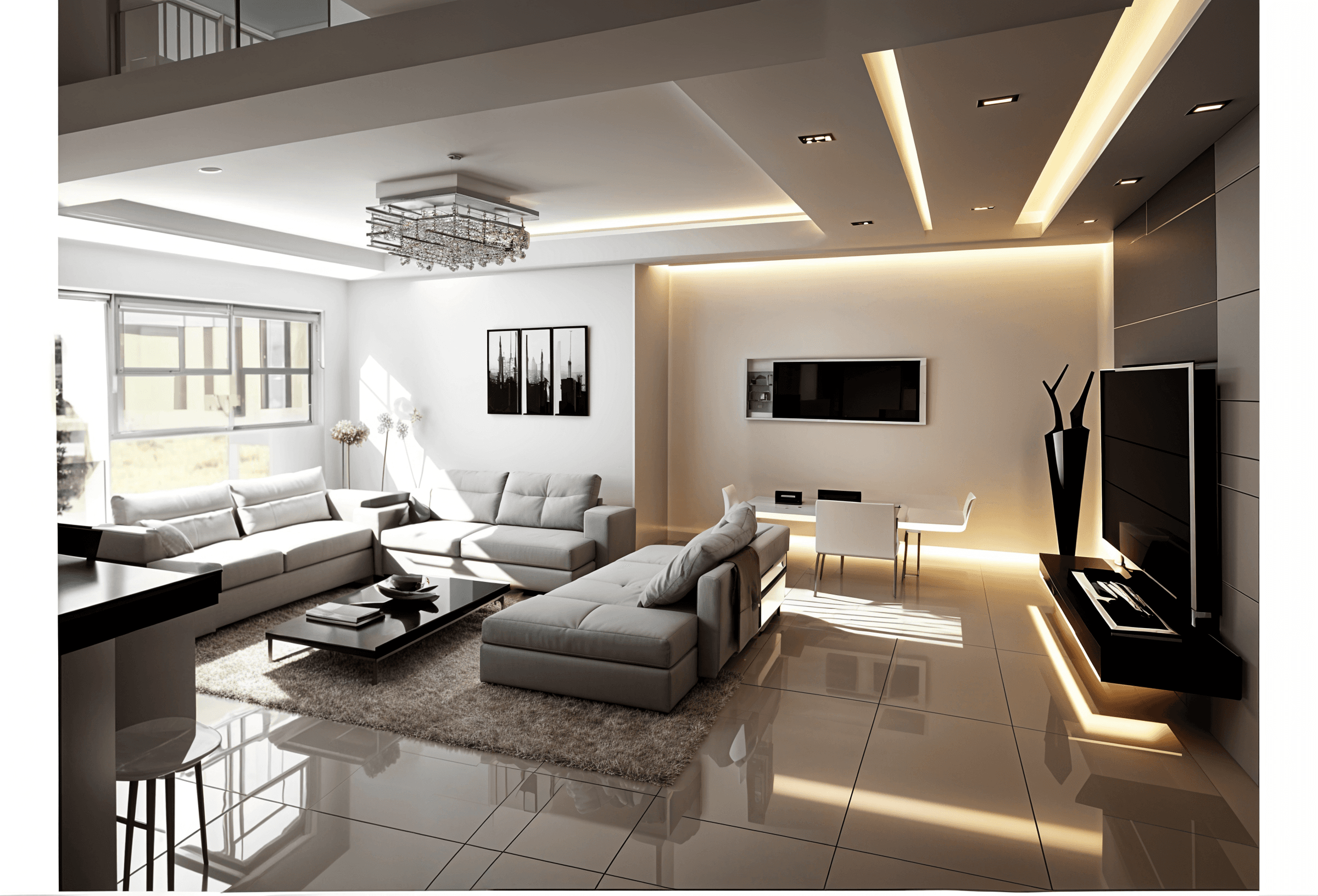 AI design concept
Finding your style? Try the optional style quiz.
Find a feeling that feels like home.
AI-generated room concepts. Open a look for colors, materials and inspiration.
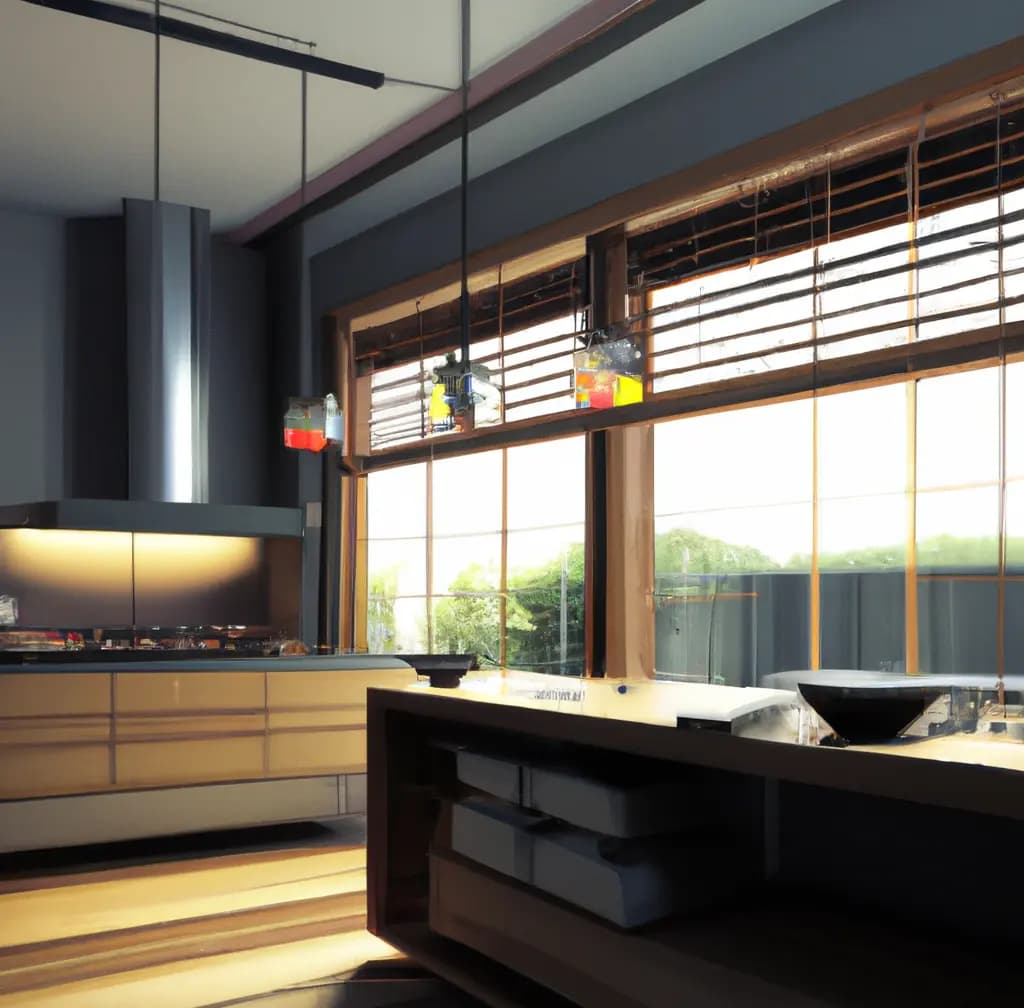 ↗
↗Modern Kitchen
Modern minimalism meets functional warmth
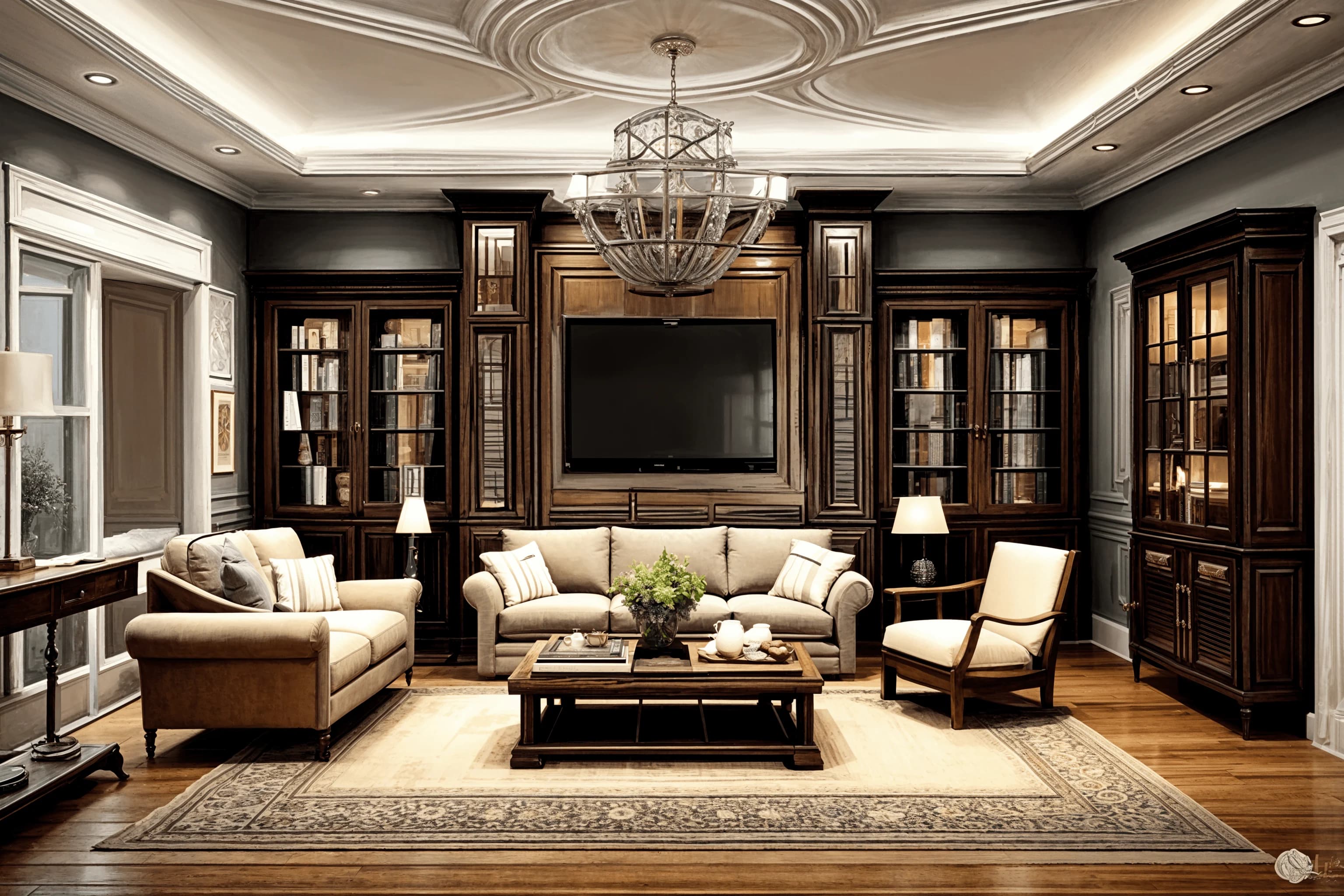 ↗
↗New Classical Living Room
Refined proportions, timeless details
- ↗
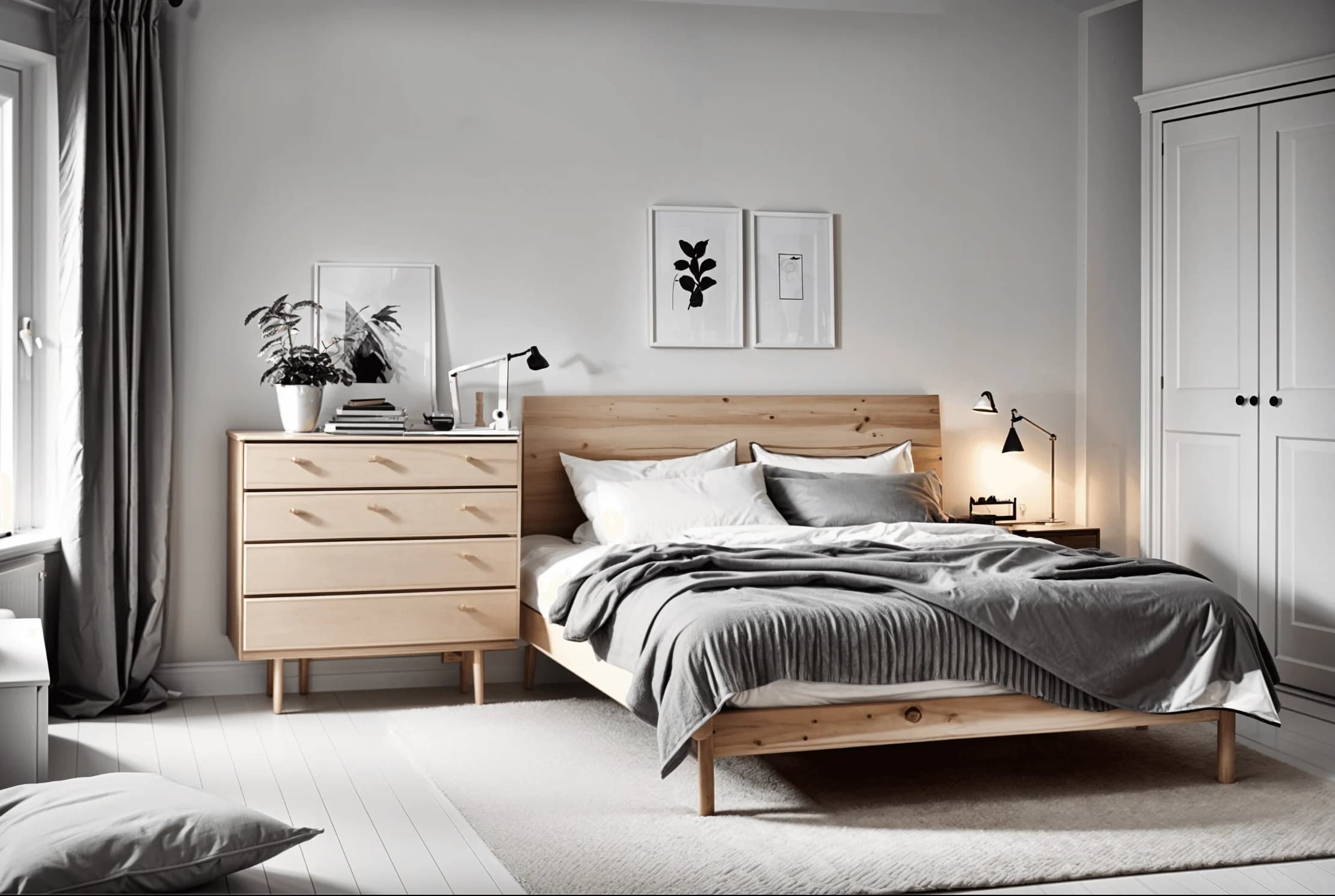
Scandinavian Bedroom
Soft light, calm textures
- ↗
Bohemian Kitchen
Eclectic layers with soulful color
- ↗
Industrial Loft
Raw materials, generous scale
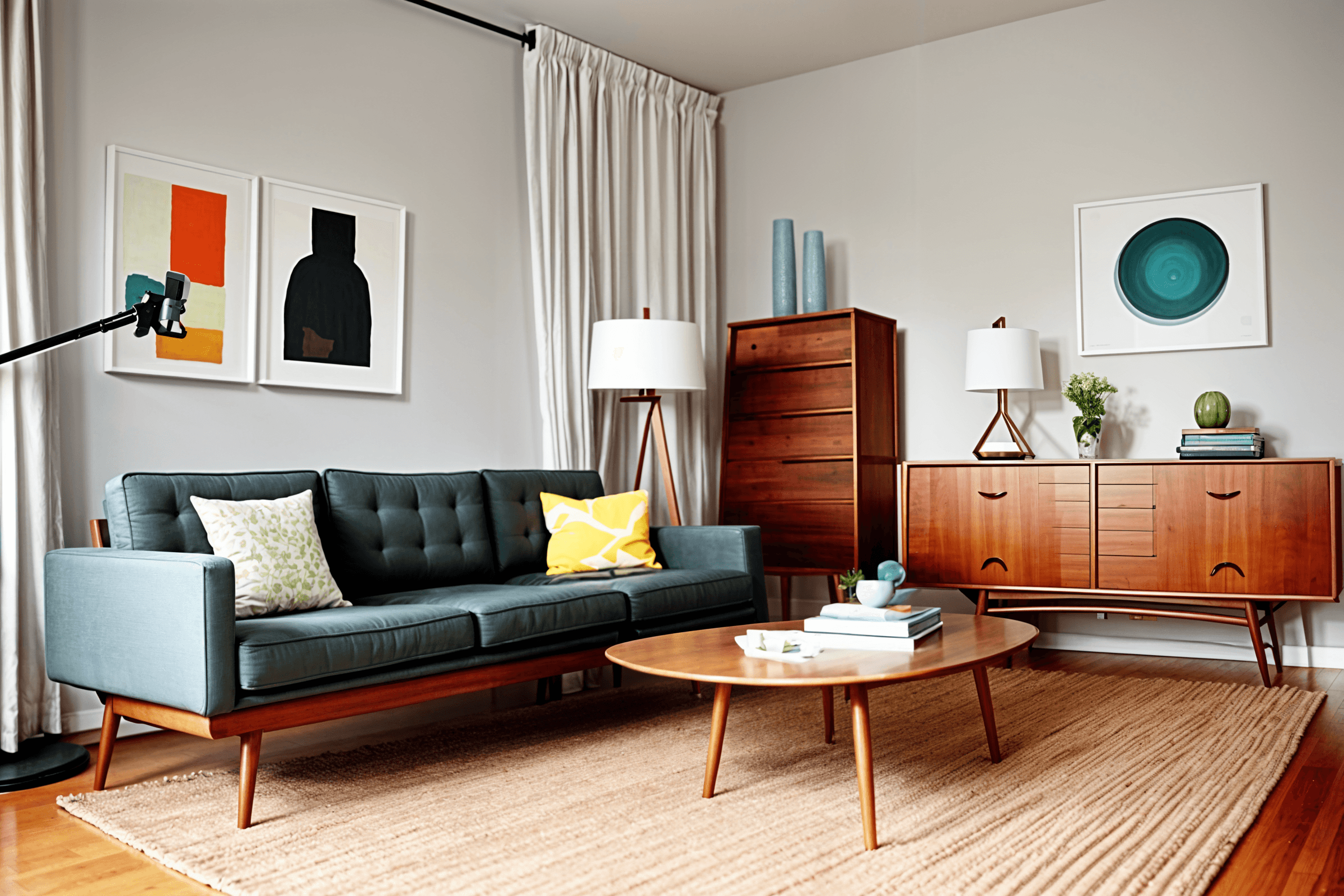 ↗
↗Mid-century Modern Living Room
Iconic lines, organic silhouettes
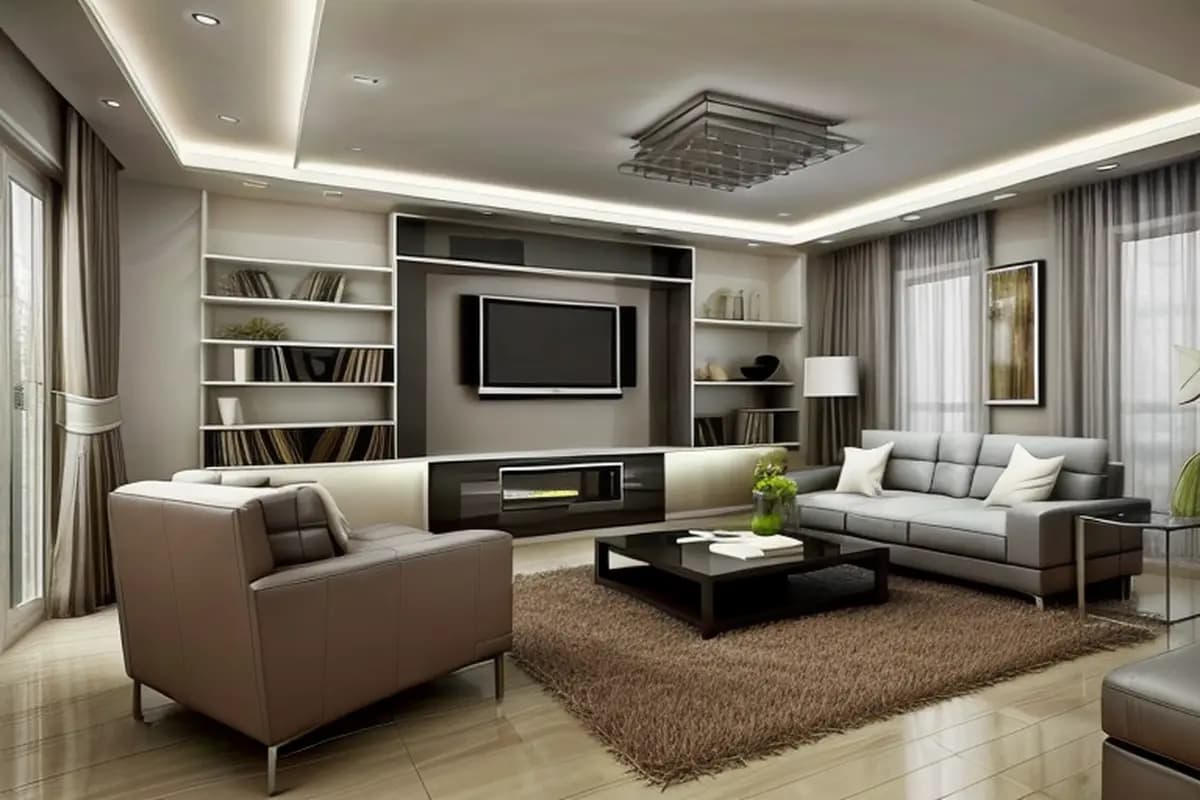 ↗
↗Contemporary Living Room
Crisp forms, quiet luxury
- ↗
Japandi Bedroom
Serene balance of form and nature
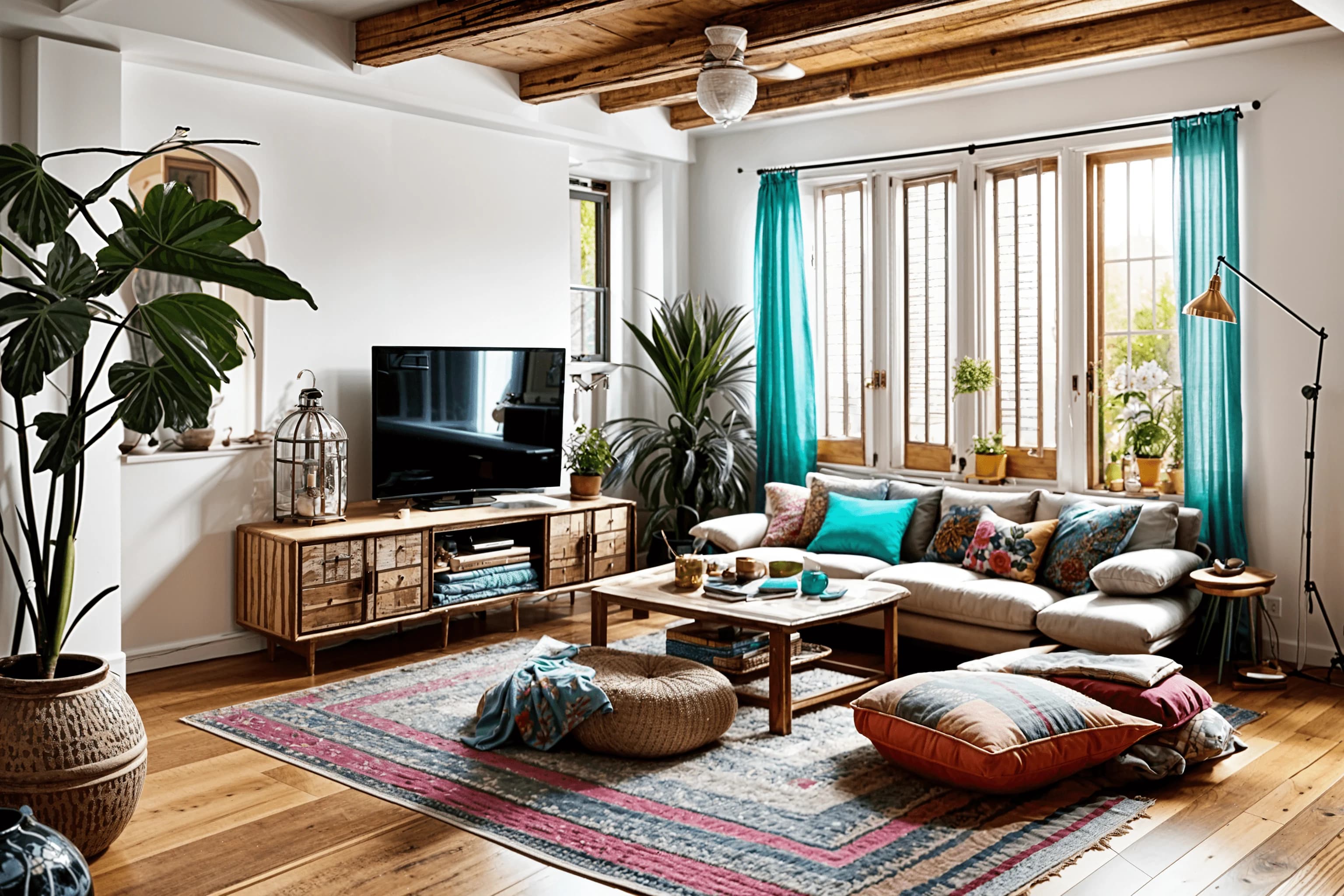 ↗
↗Boho Modern Living Room
Free-spirited comfort meets modern ease
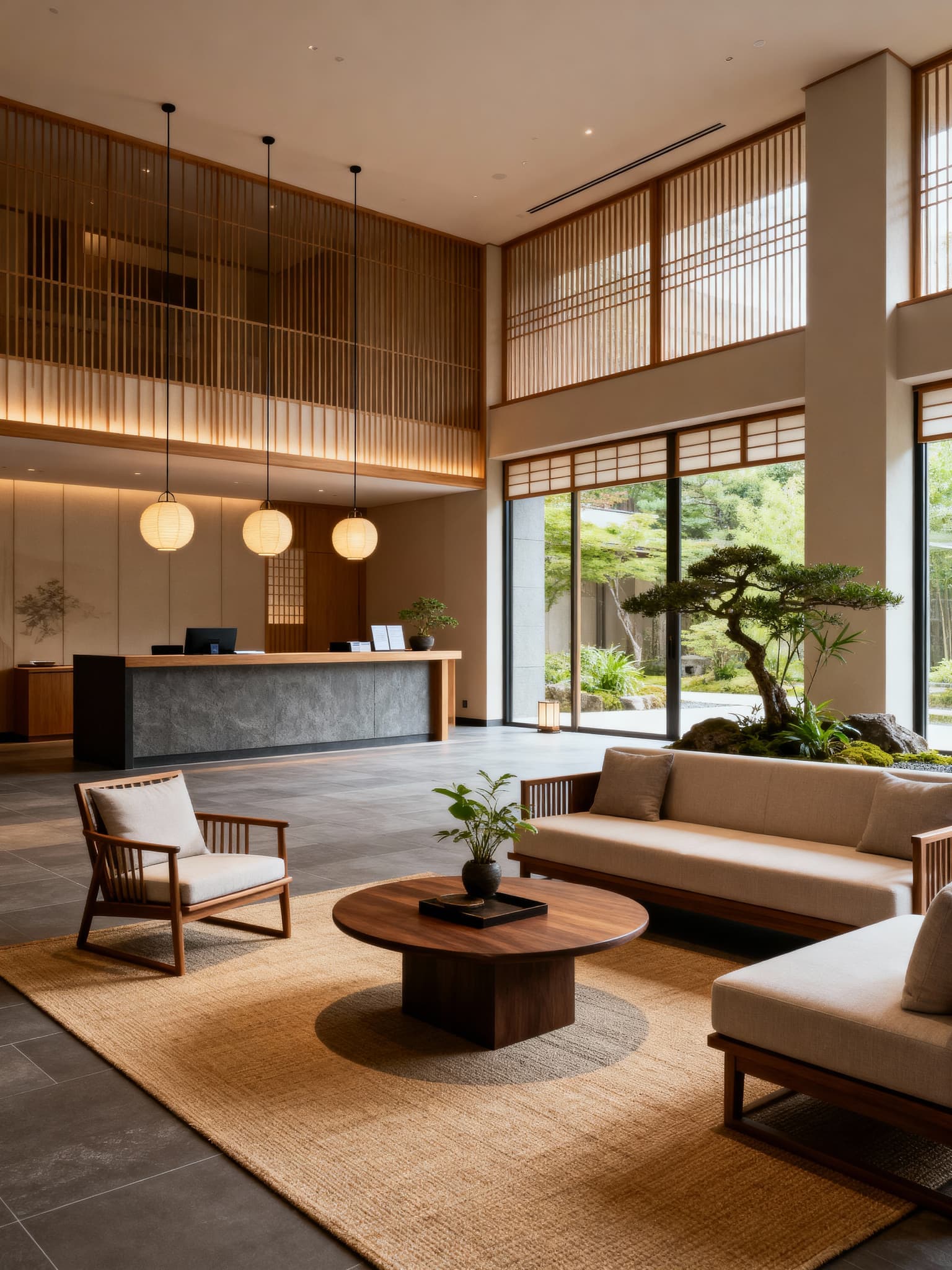 ↗
↗Zen Style Hotel Lobby
Tranquil spaces with mindful design
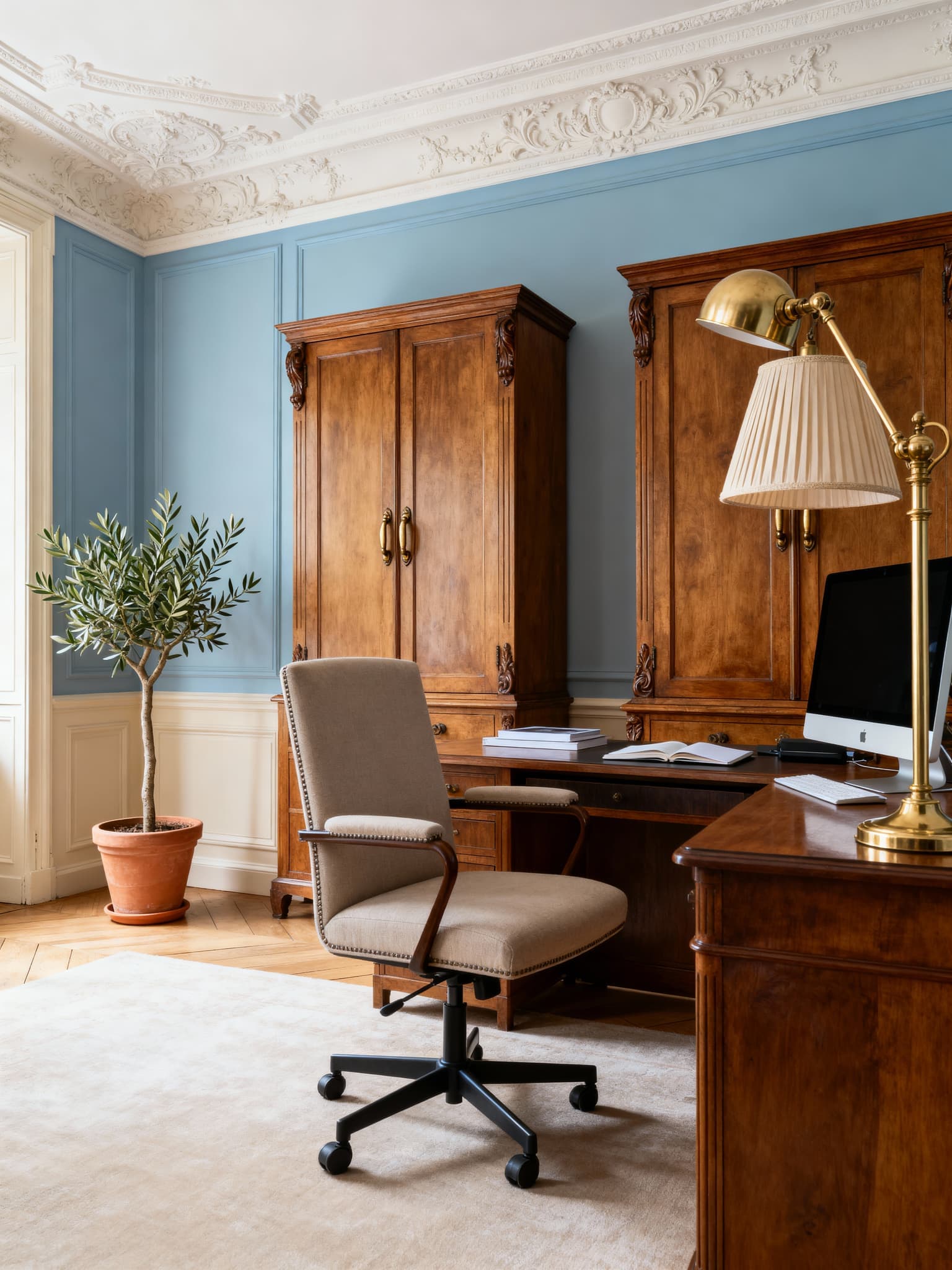 ↗
↗Parisian Style Home Office
Elegant work spaces with French flair
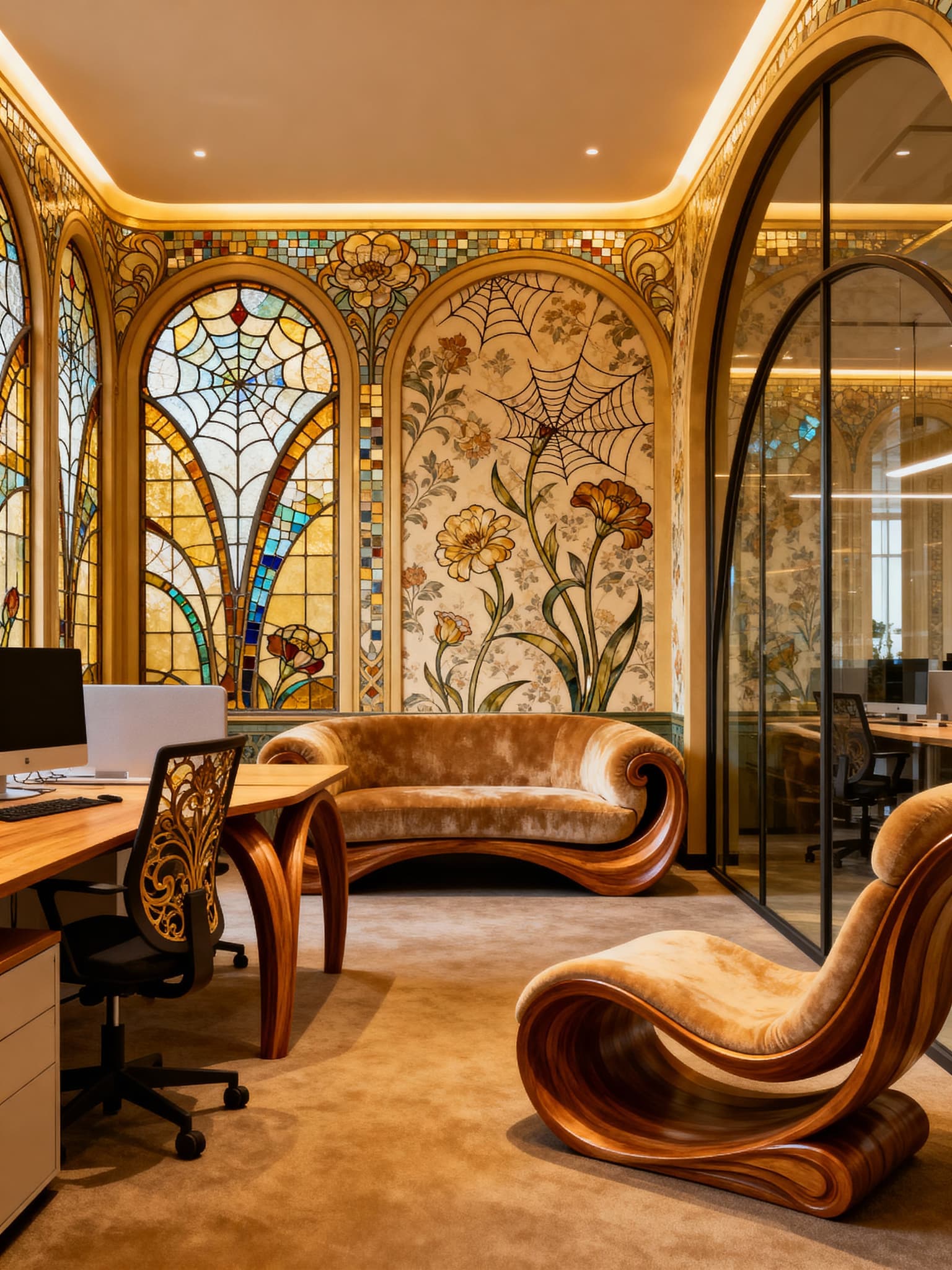 ↗
↗Art Nouveau Coworking Space
Flowing lines meet modern function
One plan. More room to explore.
Create detailed AI room concepts without counting every small change.
500 detailed AI renders to bring your ideas to life.
- 500 AI renders
- 25+ design styles
- High-quality outputs
- Email support
14-day money-back guarantee
Good design starts with the details.
All free planning toolsBefore you get started.
How does AI room design work?
Sign in, upload a photo of your room and choose an interior style. The app generates a design concept to help you explore a different look.
Are the planning tools free?
Yes. You can use our calculators and gallery wall planner without an account. AI room design is a separate service with plans available in the app.
What kind of room photo should I use?
Use a clear, well-lit photo that shows as much of the room as possible. A phone photo works; daylight and an unobstructed view help.
Can I use the image as a measured building plan?
AI images are design inspiration and can change proportions or architectural details. Check measurements, product dimensions and installation requirements separately before buying or building.
What happens when I get started?
Basic is $19/month and includes 500 AI renders. Your room photo is uploaded in the app. Free planning tools can be used here without signing in.
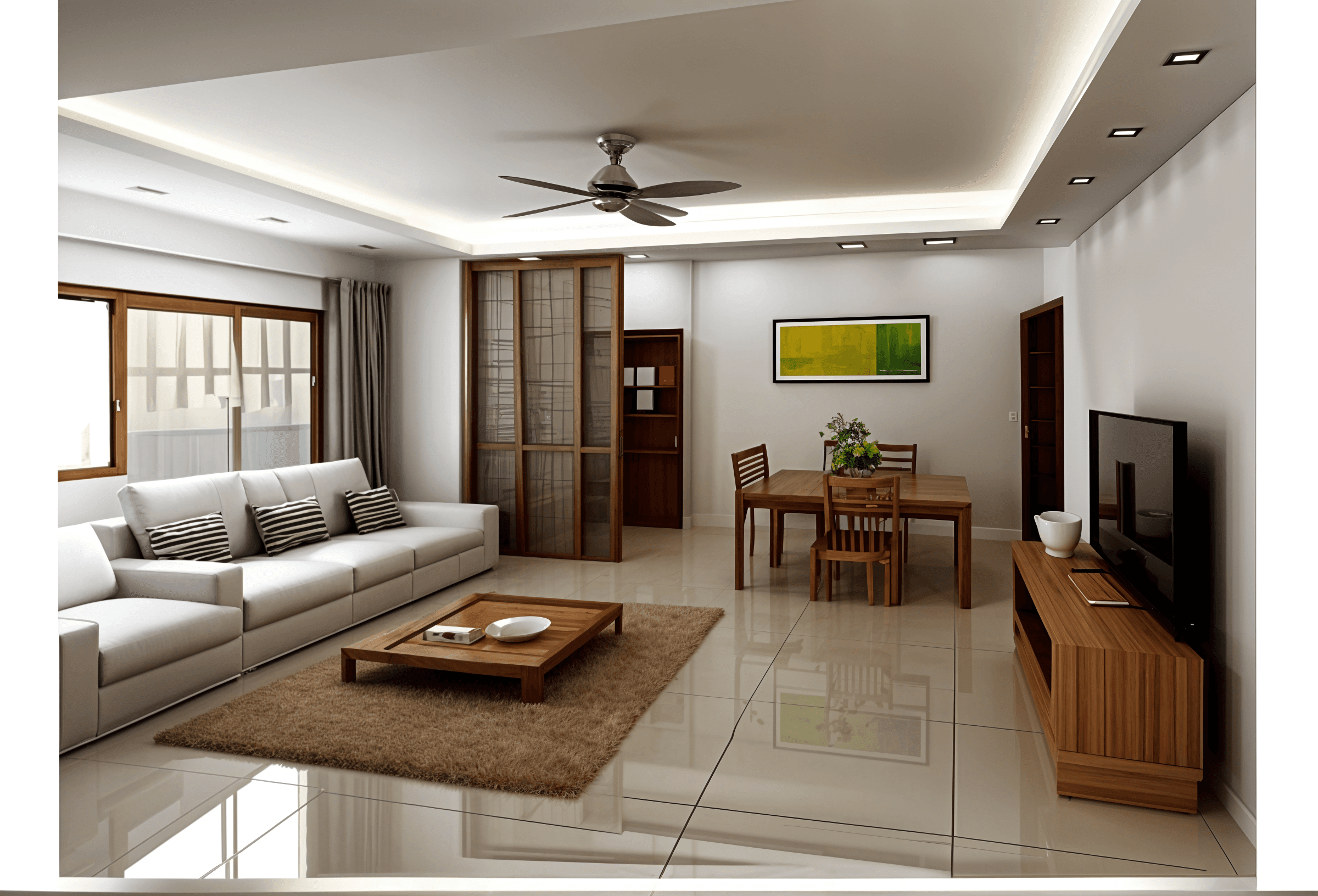
Ready to see your room differently?
Start with a photo and a style you’re curious about.
Basic is $19/month and includes 500 AI renders.